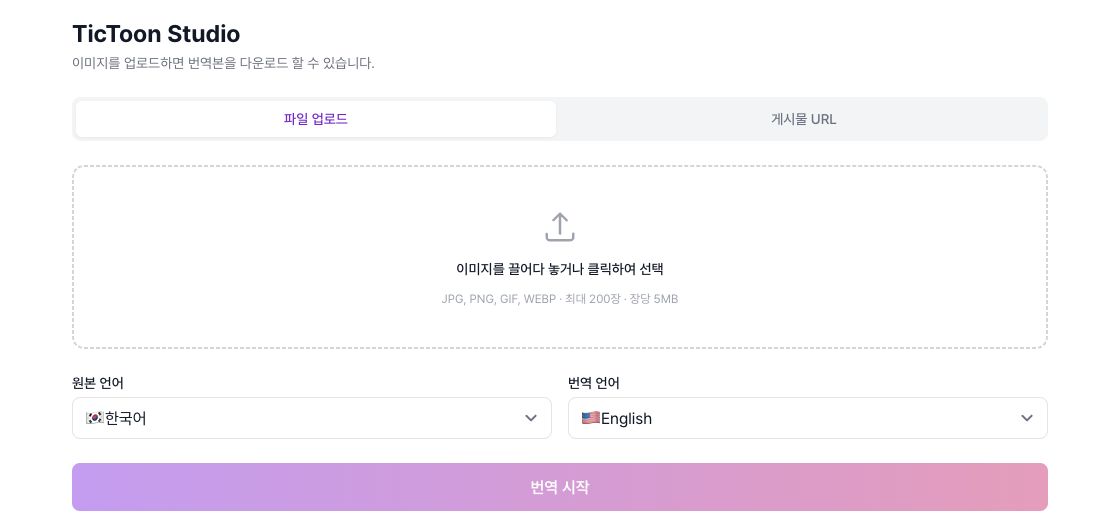
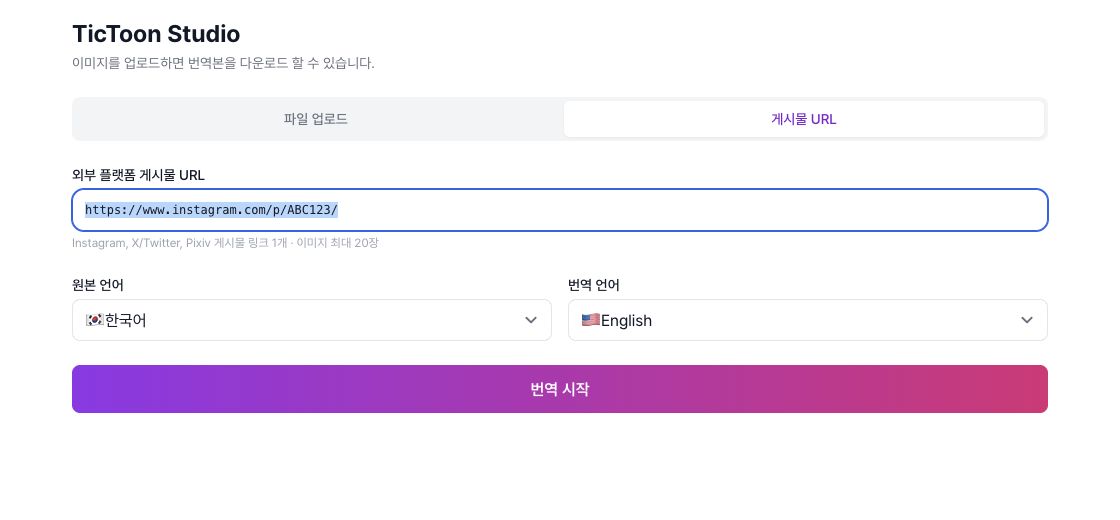
STEP 01
Prepare the images
Upload image files directly or paste an external post URL to prepare the images for translation.
Upload images or paste a post link from an external platform. AI removes the text, translates it, and re-letters the finished panels in a comic font.
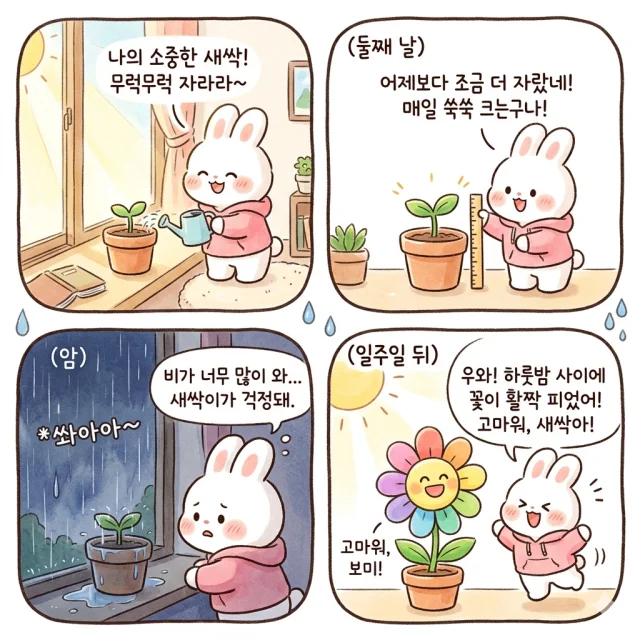 Source · KO
 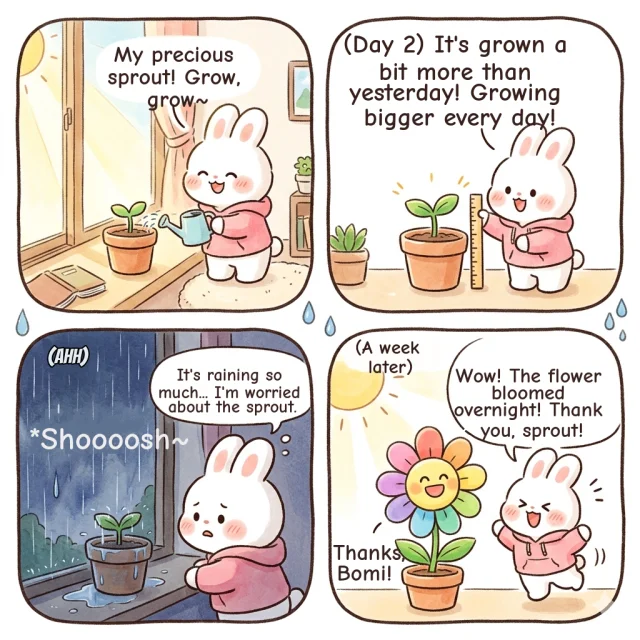 Translated · EN
 See exactly what to click and enter, using real Downloader screens.
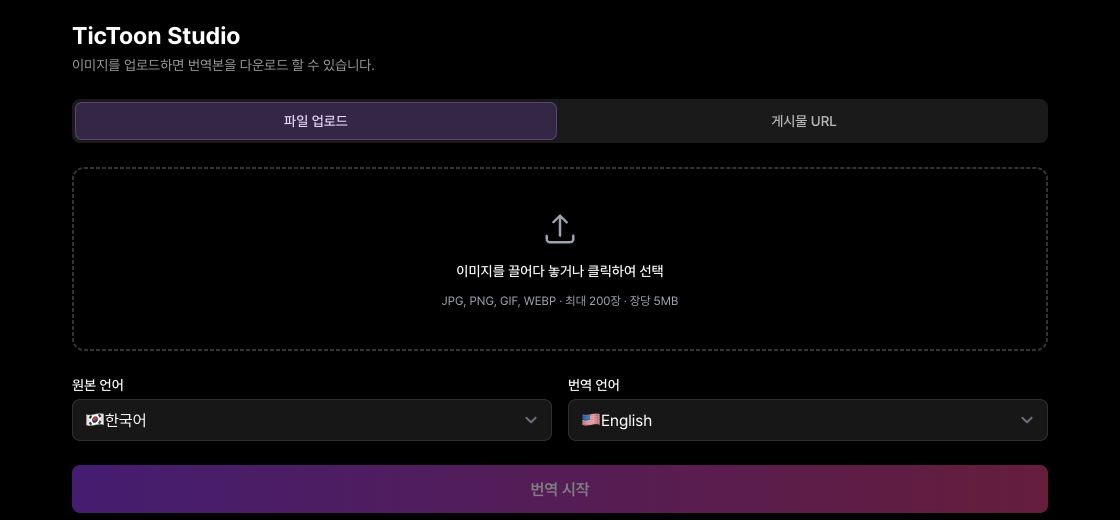
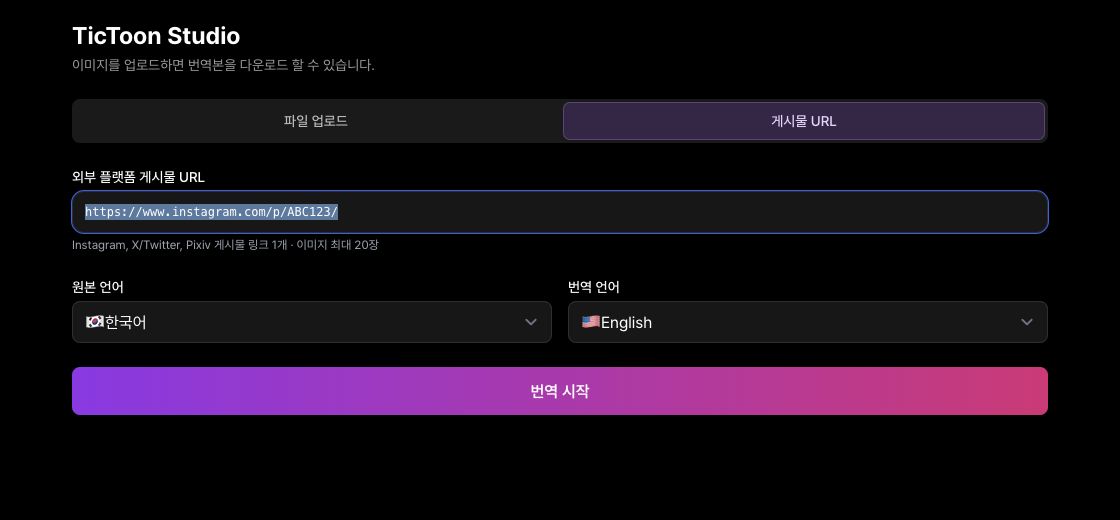
Upload image files directly or paste an external post URL to prepare the images for translation.
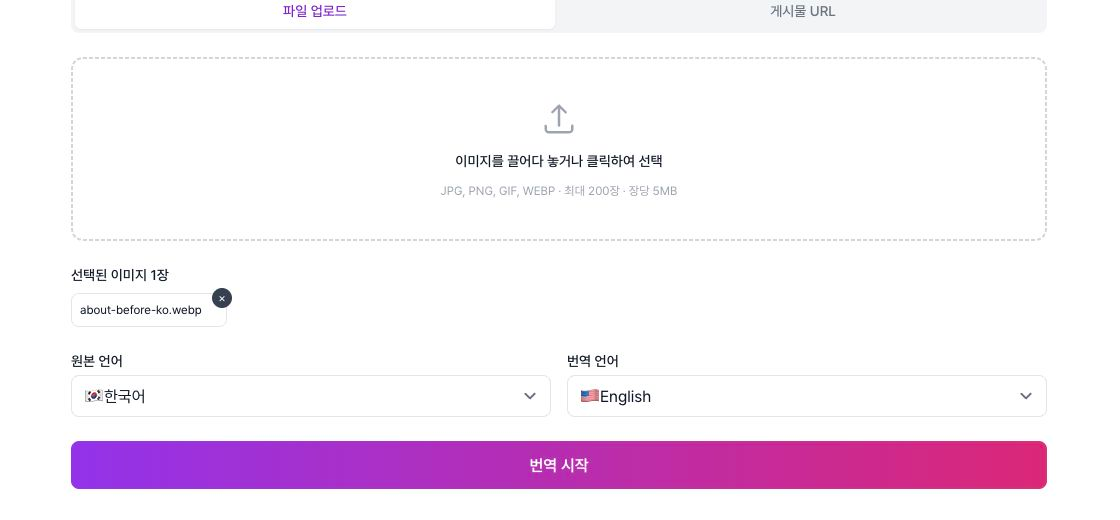
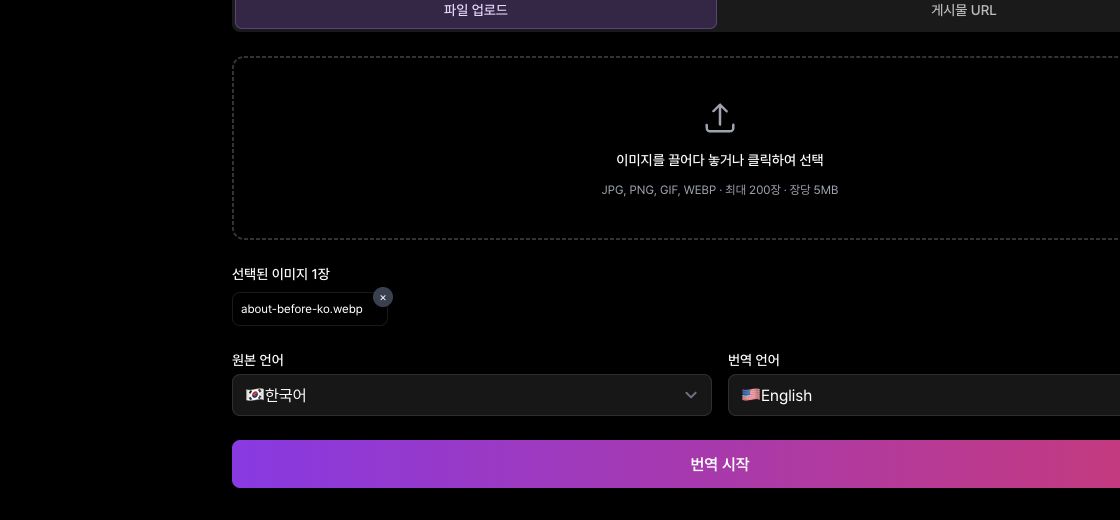
Select the source and translation languages, then click Start translation. The result screen opens when processing finishes.
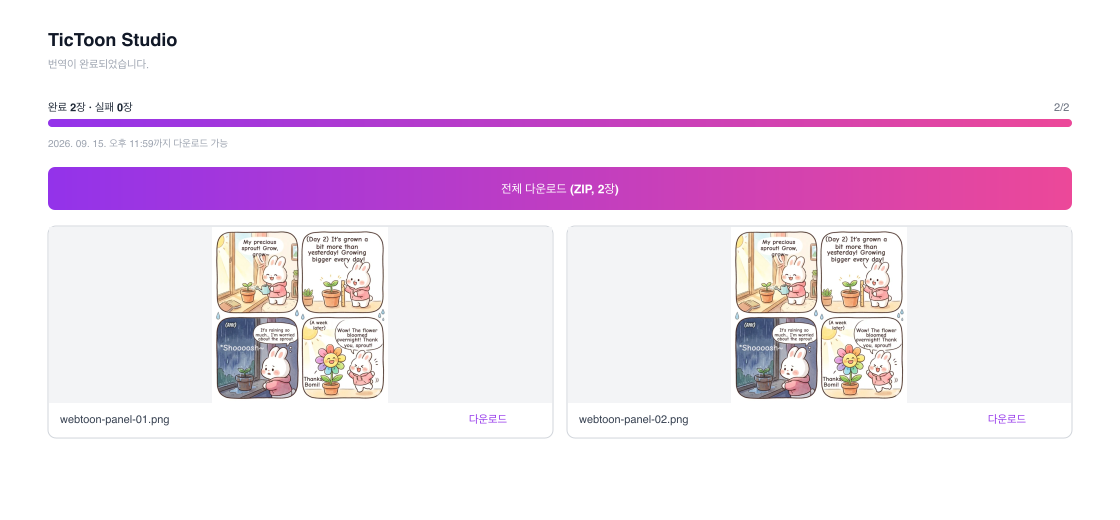
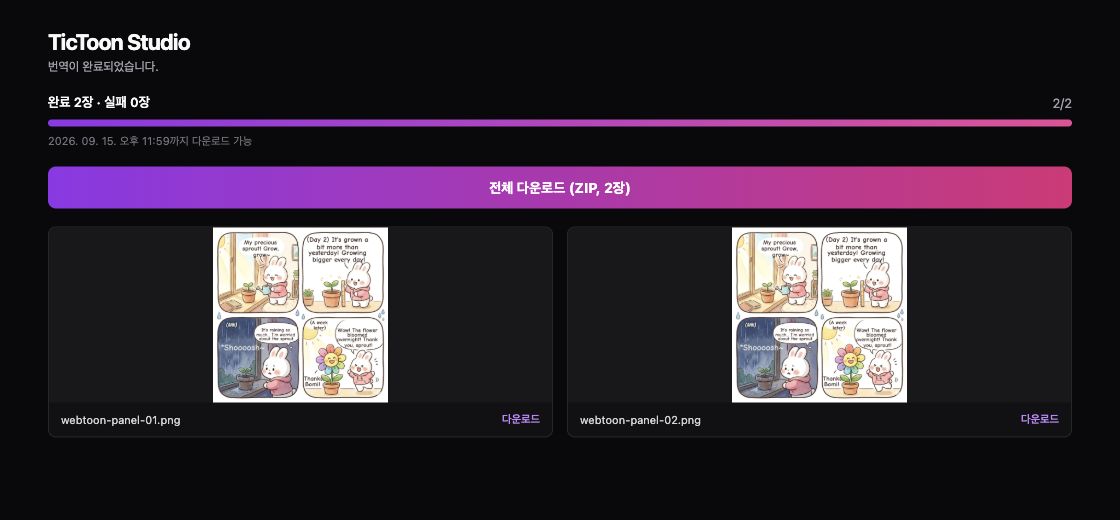
When translation is complete, download everything as a ZIP or download images one by one.
Choose the source and translation languages to convert your panels into the language you need
Log in and upload images or paste a post link
Get started